Get your API key
Create, copy and regenerate your useArtemis API key in Settings, and send it with your requests in the x-api-key header.
Updated October 27, 2026
On this page
Your API key lets your own tools and scripts call the useArtemis API on behalf of your account. You create it in Settings › API, then send it with every request in the x-api-key header. The endpoints and examples are in the API documentation linked from the same page.
Create your API key
- Go to Settings › API (https://app.useartemis.co/settings/api).
- Click Create API key.
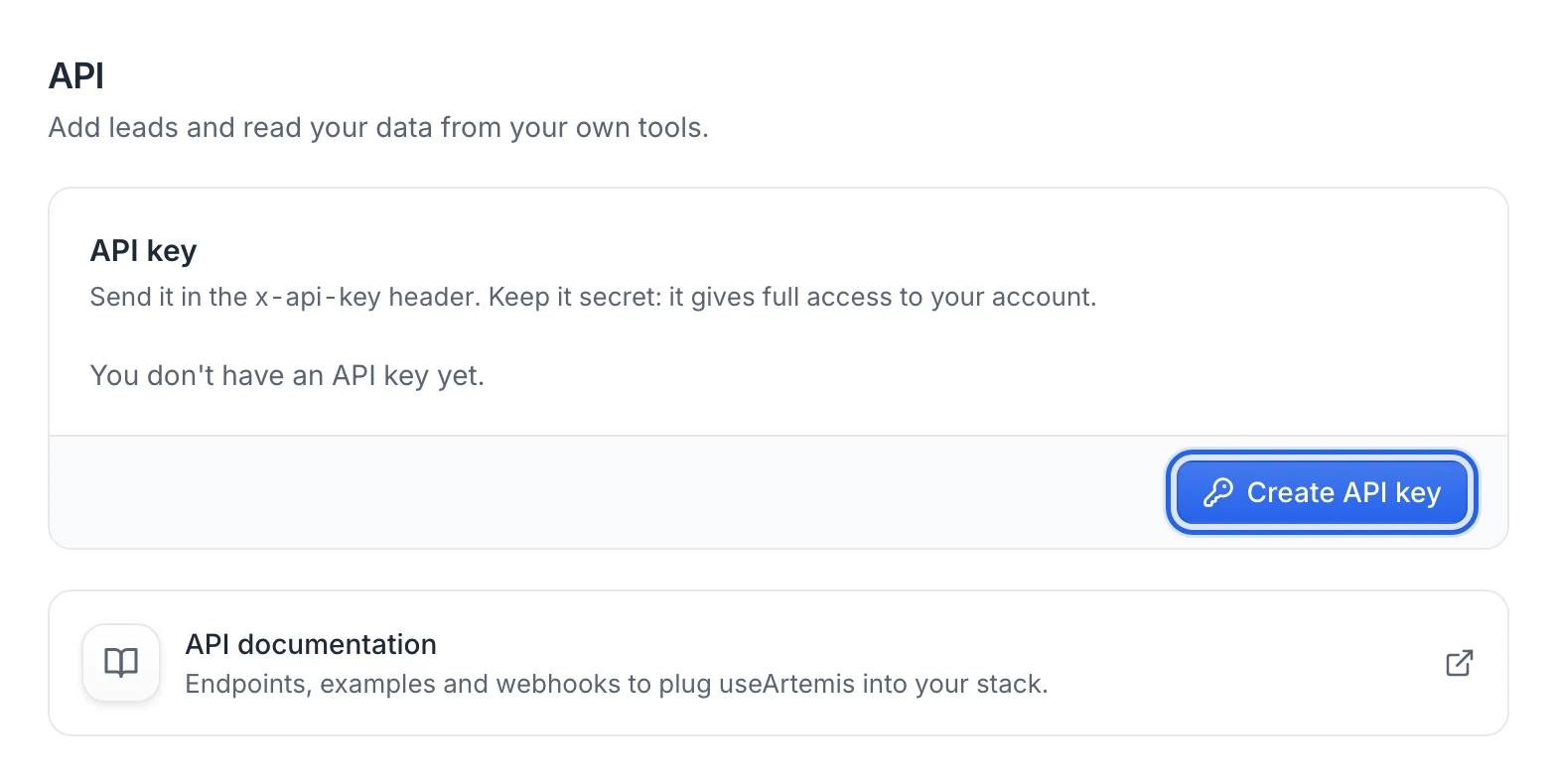
You see API key created, and the key is displayed in full. Your account has one key at a time.
Show and copy your key
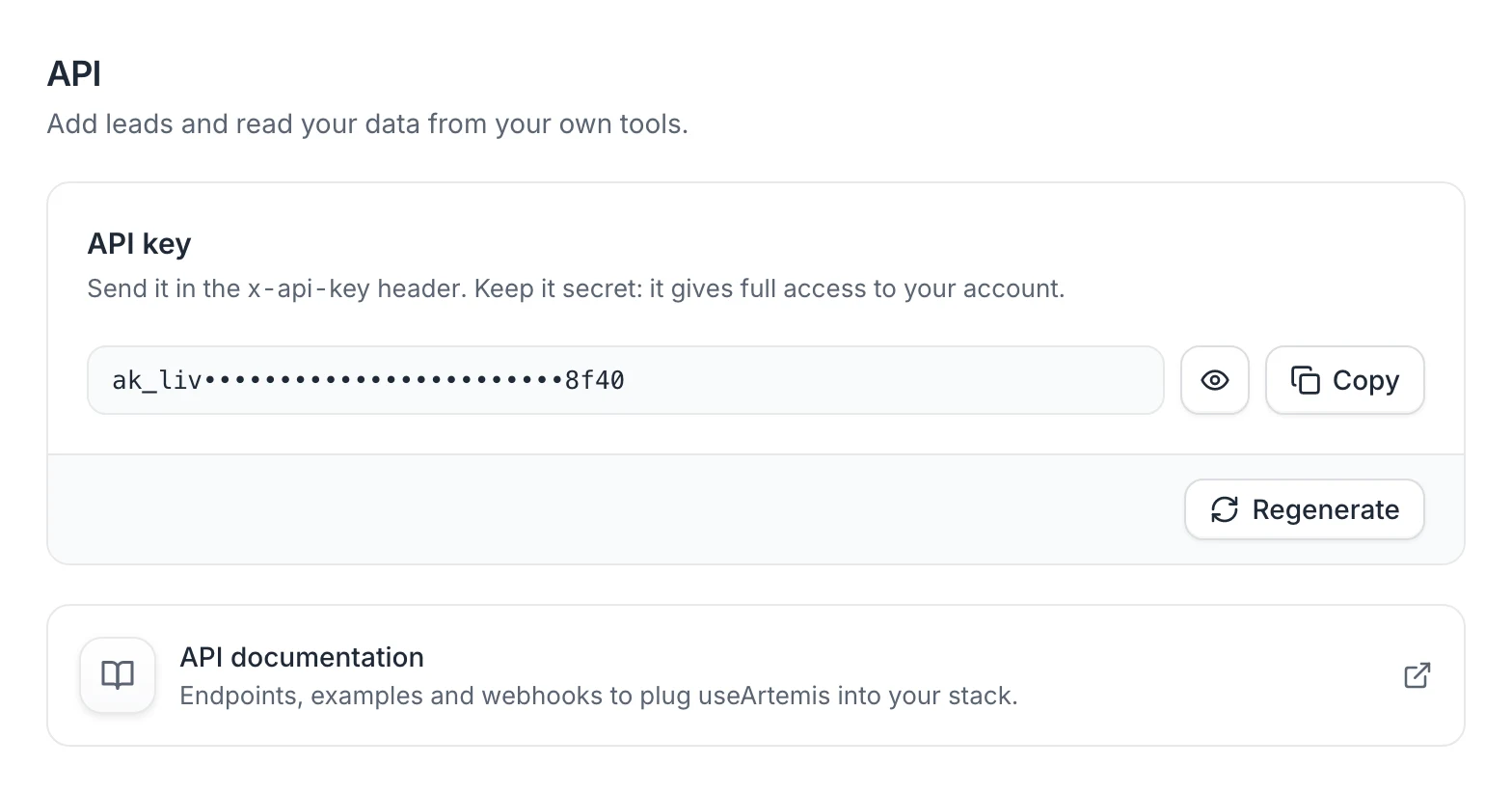
The key is hidden by default: only its first and last characters are visible.
- Click the eye icon to show or hide the full key.
- Click Copy to copy it. You see API key copied.
Use the key in your requests
Add the key to the x-api-key header of each request:
x-api-key: YOUR_API_KEY
For the list of endpoints, parameters and examples, click API documentation on the API page.
If a request is refused with a 401 error:
- No API key provided. The
x-api-keyheader is missing. - Invalid API key. The key is wrong, or it was regenerated since you copied it.
Requests that find data use your account's credits. When your credits run out, the API answers Not enough credits. On a free account, they answer Finding and verifying emails comes with a subscription. Subscribe to find emails for your leads. See Plans and credits and Free account: what's included.
Regenerate your key
Regenerate the key if it leaked or if someone who had it shouldn't use it anymore.
- On the API page, click Regenerate.
- Read the warning Regenerate your API key? and click Regenerate key.
You see New API key generated. The previous key stops working right away, so update every tool or integration that used it.
Warning: Keep your key secret. It gives full access to your account: don't paste it in public code, shared documents or front-end code that runs in a browser.
FAQ
Where is the API documentation?
On the API page in Settings, click API documentation. It opens in a new tab.
Does each teammate need their own key?
The key belongs to the account that created it, and requests made with it act as that account. Each person creates their own key in their own Settings.
Was this article helpful?
Related articles
Still need help?
Write to hello@useartemis.co with your account email and what you were trying to do.