Free email signature generator
Create a professional signature, then paste it into Gmail, Outlook or Apple Mail.
Free, no sign-up required · by useArtemis
Your details
Empty fields are left out of the signature.
Identity
Company
Contact
Social profiles
Shown as links under your contact details.
Photo & logo
Paste a public image link (https://…). No photo? Your initials are shown instead.
Accent color
Live preview
Hi Lucas,
Thanks for your time today. Does Thursday work for a quick follow-up?
Best,
| Emma Laurent Head of Sales · Northwind
| |||||||||
| Created with useArtemis | ||||||||||
Click Copy signature, then paste it in Gmail, Outlook or Apple Mail.
How to add it
Add your signature in under a minute
Copy your signature, then follow the steps for your email app.
- 1
Copy your signature
Click Copy signature above. The layout, colors and links are copied with it.
- 2
Open Gmail settings
In Gmail, click the gear icon in the top right corner, then See all settings.
- 3
Paste it
In the General tab, scroll to Signature, click Create new, name it and paste with Ctrl+V (Cmd+V on a Mac).
- 4
Set it as default
Under Signature defaults, pick it for new emails and replies, then click Save Changes at the bottom of the page.
Made by useArtemis
Your signature closes the email. useArtemis opens the conversation.
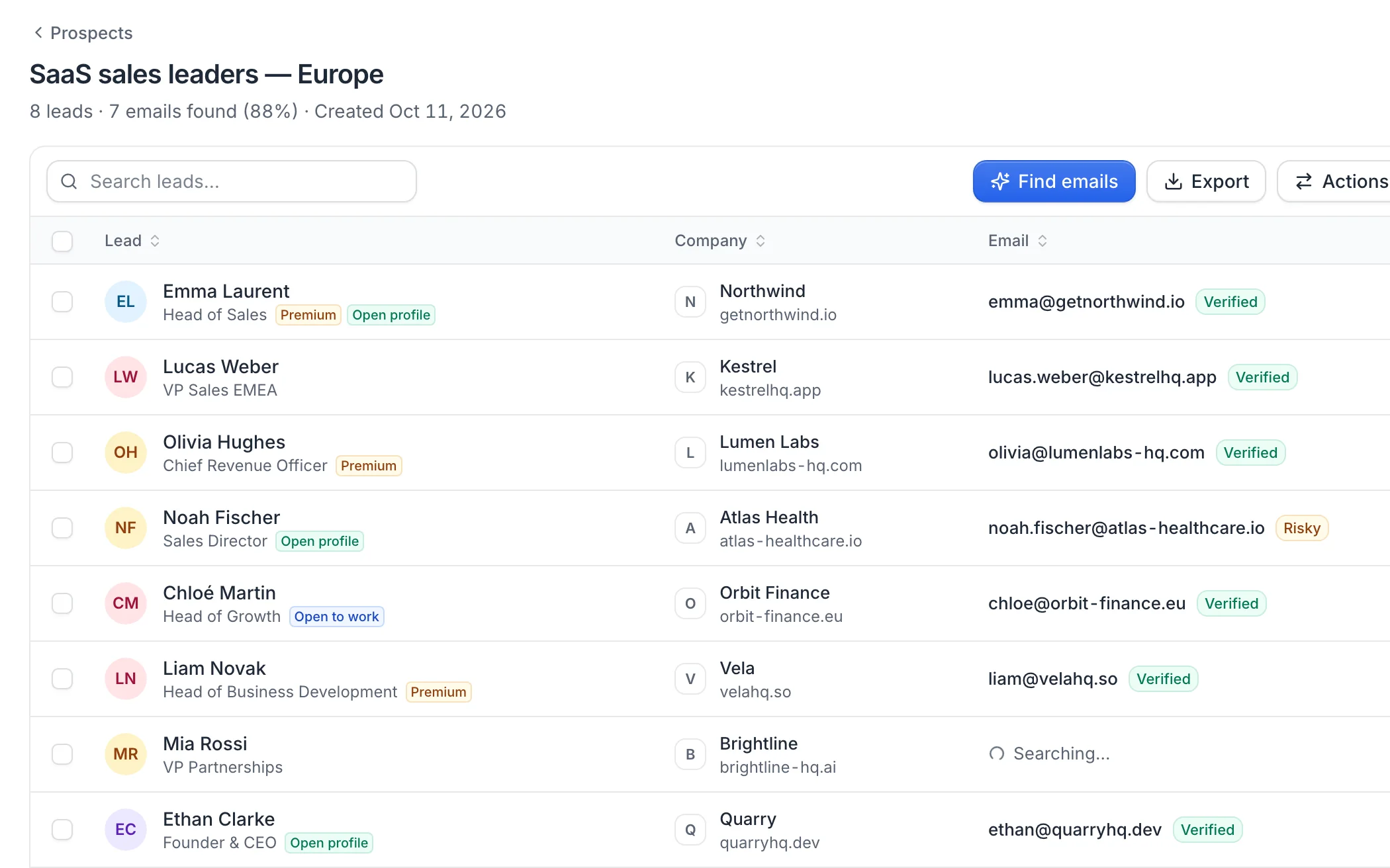
Find the right prospects, get their verified emails and let AI write a personal LinkedIn and email sequence for each of them. You just take the meetings.
- Find your ideal prospects and their verified emails
- LinkedIn + email sequences written by AI for each lead
- Every reply from every account in one inbox
FAQ
Email signature questions
Can't find what you're looking for? Visit the help center.

Now fill your inbox with replies
useArtemis finds your ideal prospects, gets their verified emails and runs your LinkedIn and email sequences for you.