Find anyone's verified email in one click
Open a LinkedIn profile, upload a CSV or pick leads in the lead finder. We check a waterfall of data providers one after the other and verify every address, so you know which emails are safe to send to.



4.8/5 from 1,100+ reviews · 15,000+ users
Trusted by 15,000+ founders, sales teams and agencies
G2
200+ reviews
Chrome Web Store
490+ reviews
Capterra
200+ reviews
AppSumo
300+ reviews
How it works
From a name to a verified email in seconds
1Step 1
Add the people you want to reach
Upload a CSV of names and companies or LinkedIn URLs, select leads from the lead finder or a LinkedIn export, or ask the AI agent for one person.
2Step 2
We run the waterfall
We query several data providers one after the other. As soon as one finds an address that passes the mailbox check, we stop.
3Step 3
Get emails you can send to
Every email comes back with a clear status. Risky and catch-all addresses are flagged so your bounce rate stays low.
Bulk email finder
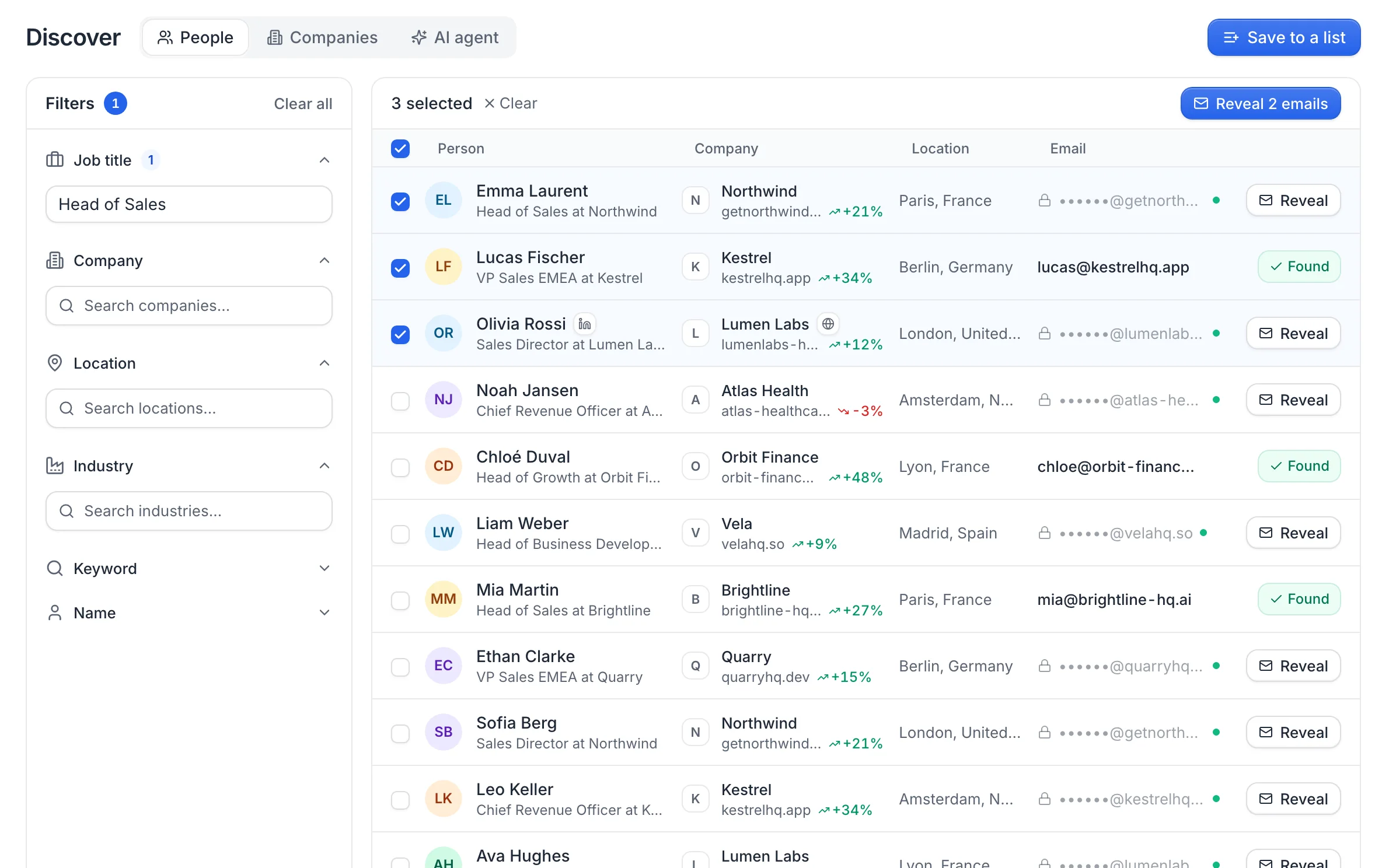
Find emails for a whole list in one click
Select your leads and click Find emails. The waterfall runs in the background and every verified address appears in your list as soon as it's found.
- Works on LinkedIn exports, lead finder results and CSV files
- Live progress, right inside your list
- Risky and catch-all addresses clearly flagged
Chrome extension
Find emails while you browse LinkedIn
Open a LinkedIn profile, click the useArtemis extension and get the person's verified email without leaving the page.
- Works on any LinkedIn profile
- Details revealed for 1 credit
- Import a whole LinkedIn search in one click
Emma Laurent
Head of Sales at Northwind
Paris, France
Experience
Details revealed1 credit
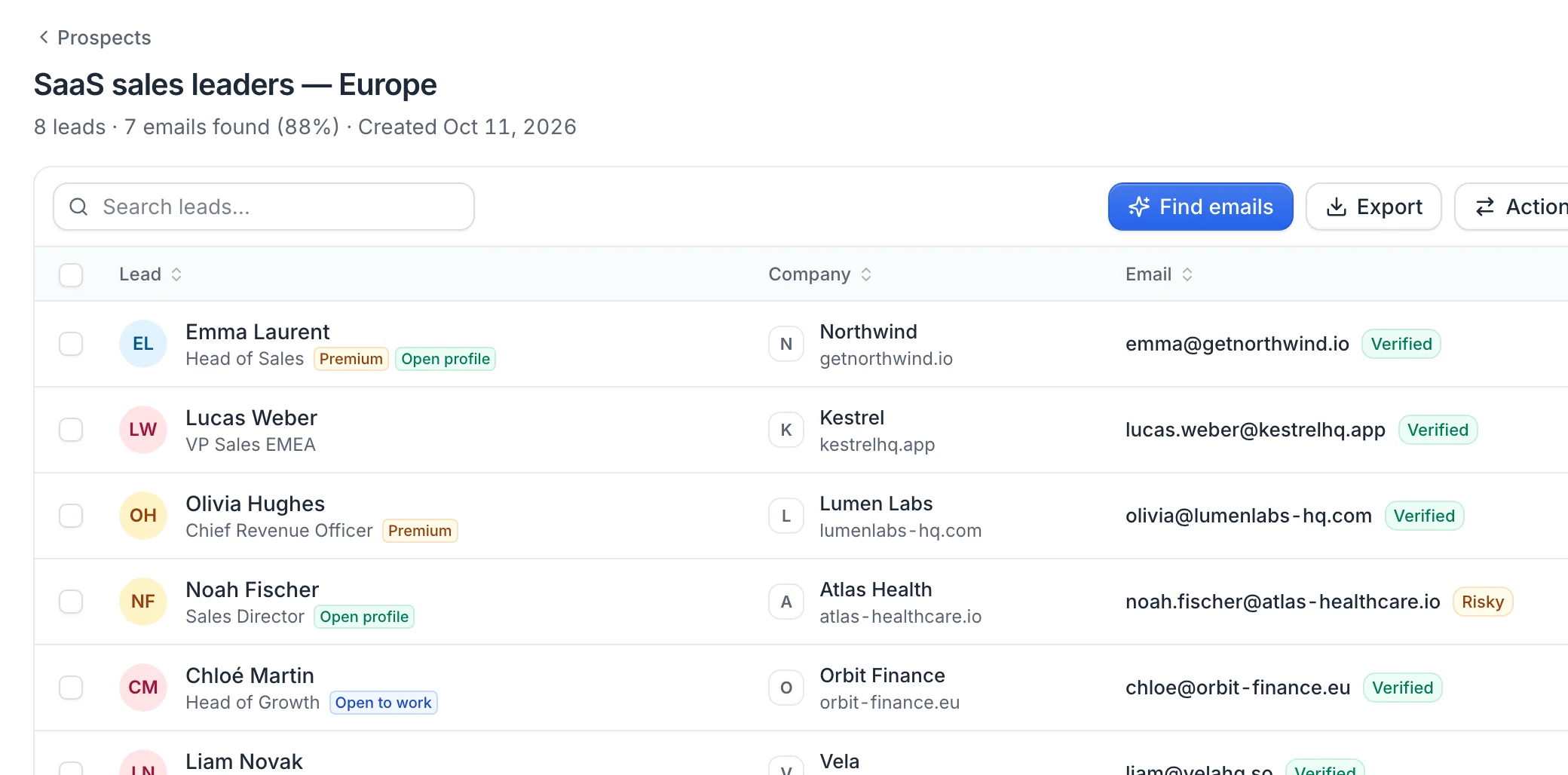
Email + LinkedIn outreach
Turn verified emails into booked meetings
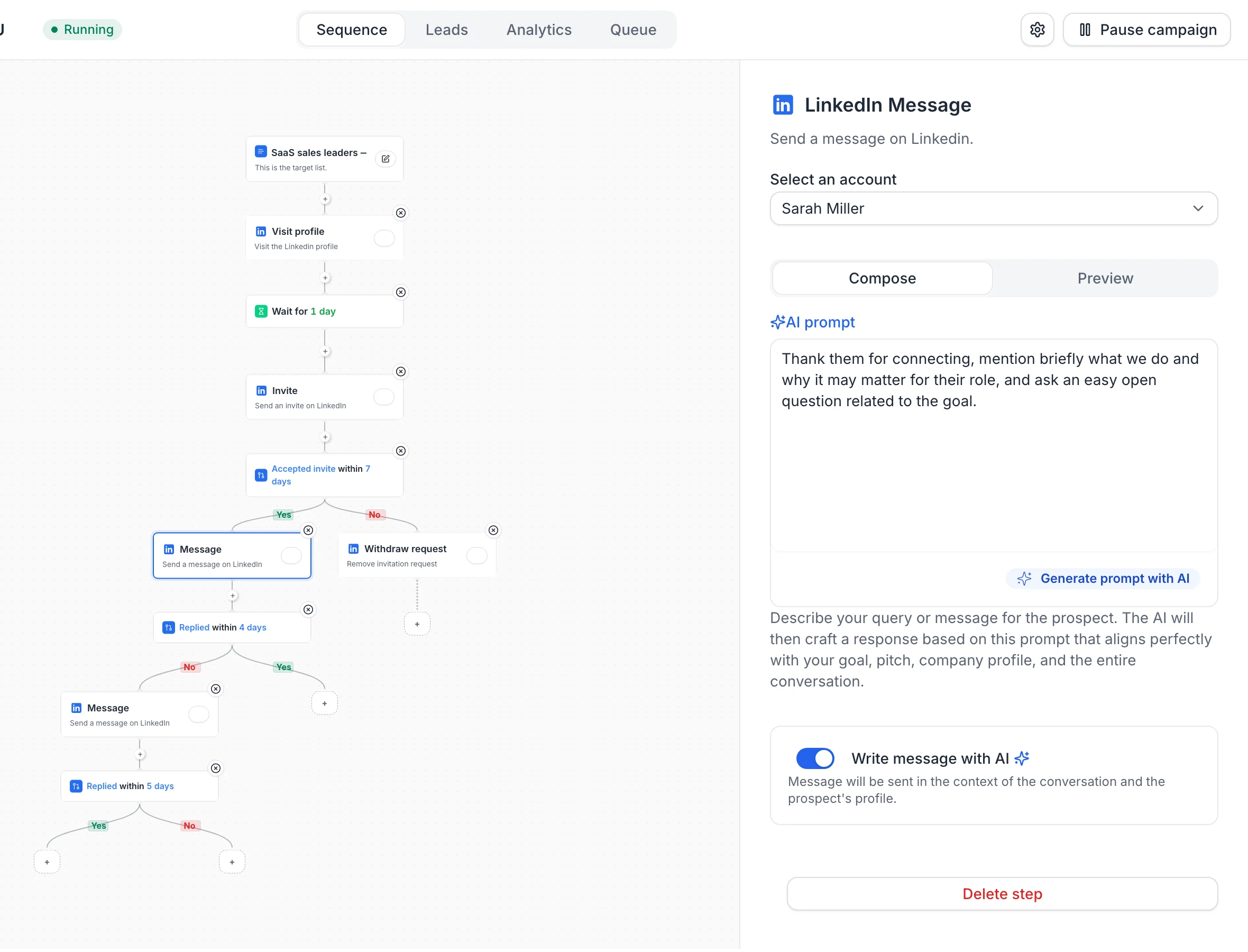
Send emails and LinkedIn messages from the same sequence. The AI writes each message from your pitch and the prospect's profile, and every reply lands in one inbox.
- Email and LinkedIn steps in one sequence
- An AI-written message for every prospect
- Sequences stop as soon as a lead replies
Waterfall enrichment
Why our waterfall finds more emails
No single database knows everyone. We ask several data providers one after the other and only keep an address once it passes a mailbox check.
- Data provider 1No result
- Data provider 2No result
- Data provider 3mia.rossi@brightline.aiMailbox doesn't exist, keep searching
- Data provider 4mia@brightline-hq.ai
- Mailbox checkDeliverable
Several providers, one after the other
Each data provider is strong in different countries, industries and company sizes. Chaining them fills the gaps a single database leaves.
Verified before it reaches your list
Every address gets a mailbox check. If it would bounce, we move on to the next provider instead of handing you a guess.
You only pay for verified emails
1 credit = 1 verified email. When no provider finds a valid address, no credit is used.
Per contact
Everything you need to reach out
Each lead comes back with a verified work email, plus the company and LinkedIn context to write a relevant first message.
- Work email
- emma@getnorthwind.ioVerified
- Job title
- Head of Sales
- Company
- Northwind · getnorthwind.io
- Company size
- 51-200 employees
- Location
- Paris, France
- linkedin.com/in/emma-laurent
- Signals
- PremiumOpen profile
3,000
verified emails a month on Agency
0
credits when the waterfall finds nothing
1 credit
per verified email
15,000+
users worldwide
Customers
Teams love useArtemis
“Best value lead tool on the market right now. I love using useArtemis to scrape LinkedIn: it saves me tons of time to find and verify email addresses.”
Kazuki O.Co-Founder, Markester · via G2“What I like best is its ease of use. The UX is intuitive and keeps improving. Knowing the team continues to improve the product is a great comfort.”
Jefferson T.Acquisitions & Development · via G2“Finding emails from just a LinkedIn profile URL is a big advantage. The accuracy is very good for the price, and the direct dials are a great bonus.”
Ankita T.Assistant Marketing Manager · via G2All in one place
Do more with your leads
Find, qualify and reach your prospects from one workspace.
FAQ
Email finder questions
Can't find what you're looking for? Visit the help center.

Stop guessing email addresses
Find verified emails for your whole list, then reach out on LinkedIn and email from the same place.